Kapta · 15/09/2026
Include accessibility from the first user journeys and assess the application people will actually use. Portugal's official portal provides specific guidance on mobile app assessment and accessibility statements. Accessibility guidance.
Which tasks should be included?
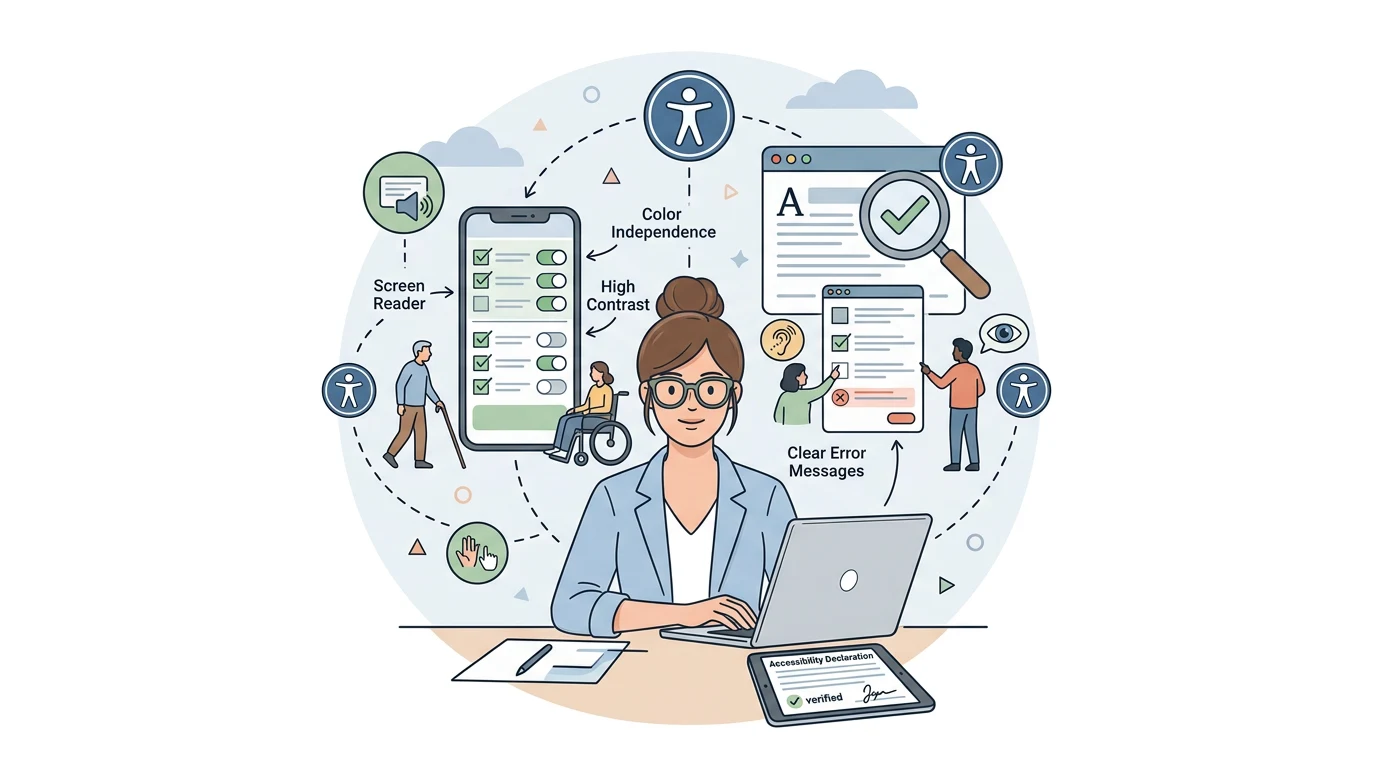
Choose representative tasks: finding a contact, reading a notice and navigating to local information. Check content reading, element order, button names and error messages. A website assessment does not, on its own, demonstrate how the installed app behaves.
Do larger text and contrast solve everything?
They are parts of the work. Include screen reader use, understanding without colour alone and forms with clear instructions. Test larger text settings to find clipped content or buttons that become inaccessible.
What should be recorded?
Identify versions, devices, assessed tasks, discovered issues and verified fixes. The statement should reflect results and the applicable requirements, with ownership for updates. An isolated automated score does not describe the complete experience.
How should this appear in the quote?
Request concrete deliverables: journey assessment, a correction list, repeat checks and documentation. Allow time for people with different needs to participate. Kapta can define this scope with the authority rather than leaving accessibility as a final visual detail.
Next step
Explore Kapta institutional services (Portuguese) and describe your project.
