Kapta · 15/09/2026
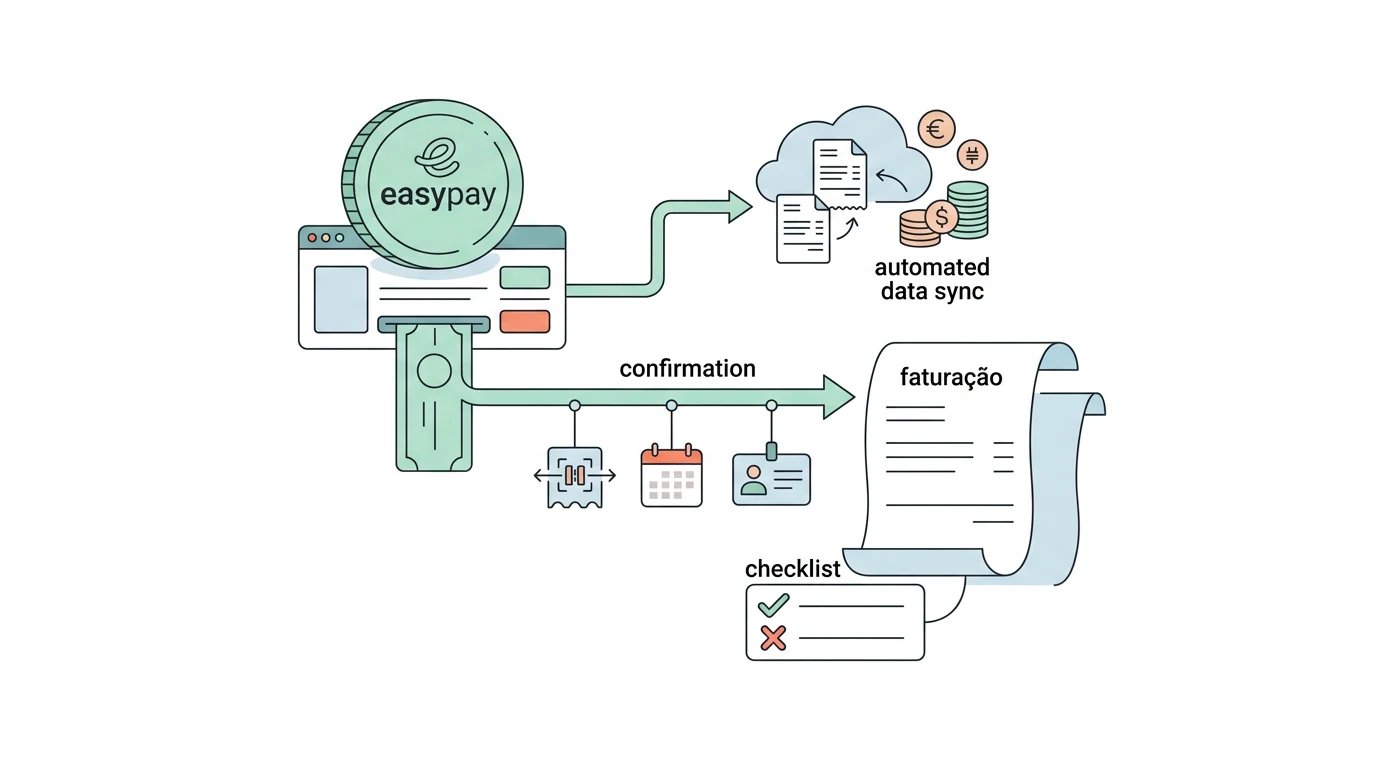
A payment confirmation can feed an invoicing workflow when the transaction is identified and the sales details are available. Creating a payment reference and receiving the money are different stages that the system must distinguish.
Does a Multibanco reference mean the customer has paid?
No. The reference starts the collection process. The provider must confirm the actual payment status. easypay provides notifications for changes in payment status. easypay notification documentation.
Which details should be linked to the transaction?
Keep an internal order or booking reference, the receiving account, expected amount and currency. Associate billing details with the sale before issuing documents. A customer email can help you contact someone, but it is not a unique transaction identifier.
How can I avoid reconciliation problems?
Compare the confirmed and expected amounts and keep mismatches available for review. A delayed notification should not create a second order. Include an unpaid reference, a completed payment and a repeated notification in testing.
What should I tell Kapta?
List your contracted payment methods, sales platform and invoicing software. Explain whether you need to update an existing order, prepare a document or notify your team. That example defines the workflow to assess and each system's responsibility.
