Kapta · 15/09/2026
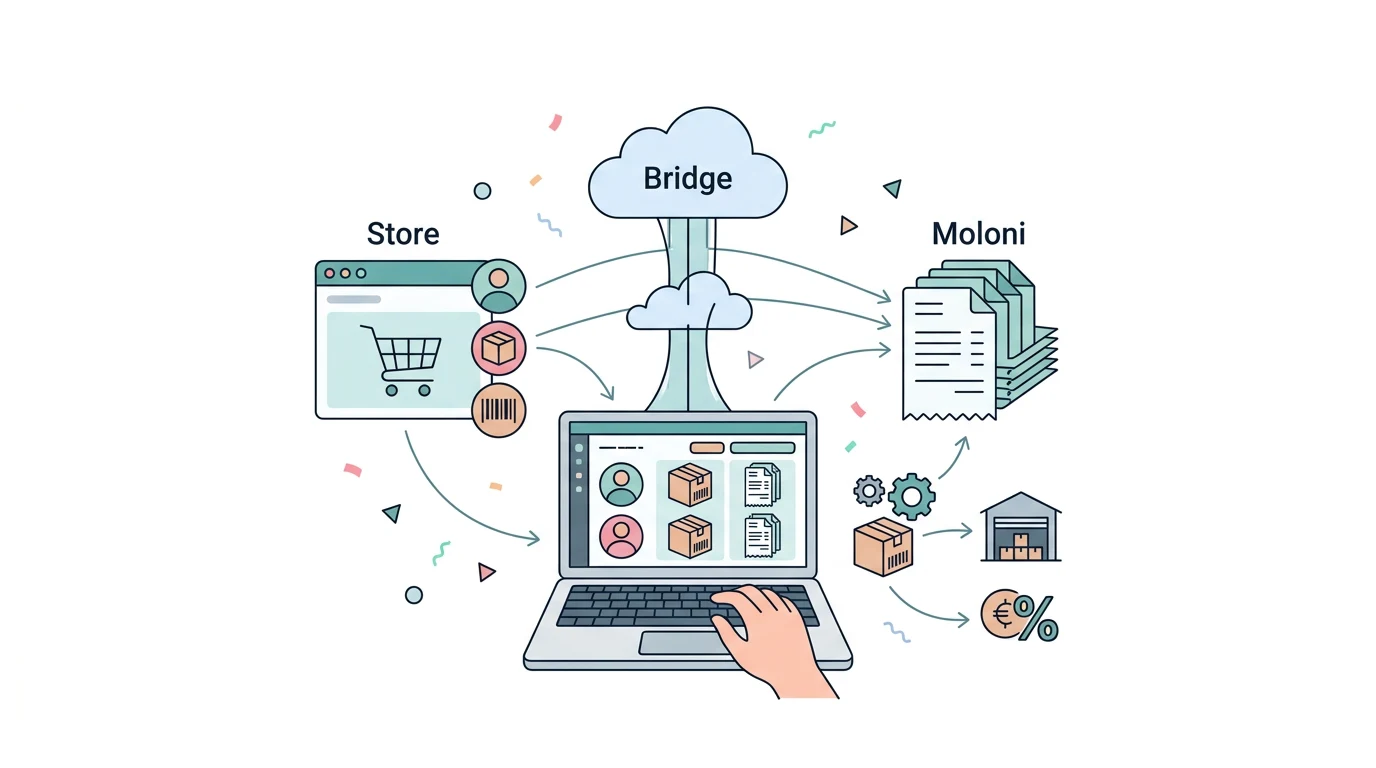
Identify the destination Moloni company and map sales data to customer, product and document fields. This preparation prevents a technically successful connection from producing incomplete documents.
Which access do I need to authorise?
Moloni's documentation describes API activation and OAuth authentication. Confirm who can authorise the account and which company is included. Moloni API overview.
Should products be created first?
Define how source products or services match destination items. Similar names do not guarantee the same product. Use stable codes and confirm taxes, units and document series with the person responsible for invoicing.
Will the integration also change stock?
Only when that function is explicitly included. Issuing an invoice and synchronising inventory are separate responsibilities. For a store, choose the main inventory system and define returns, warehouses and in-person sales.
How should I test the Kapta connection?
Choose a simple sale and one with a discount or several products. Verify customer, series, total and source reference. Add a correction and repeated request to testing, checking that the result can be found without duplicate documents.
