Kapta · 15/09/2026
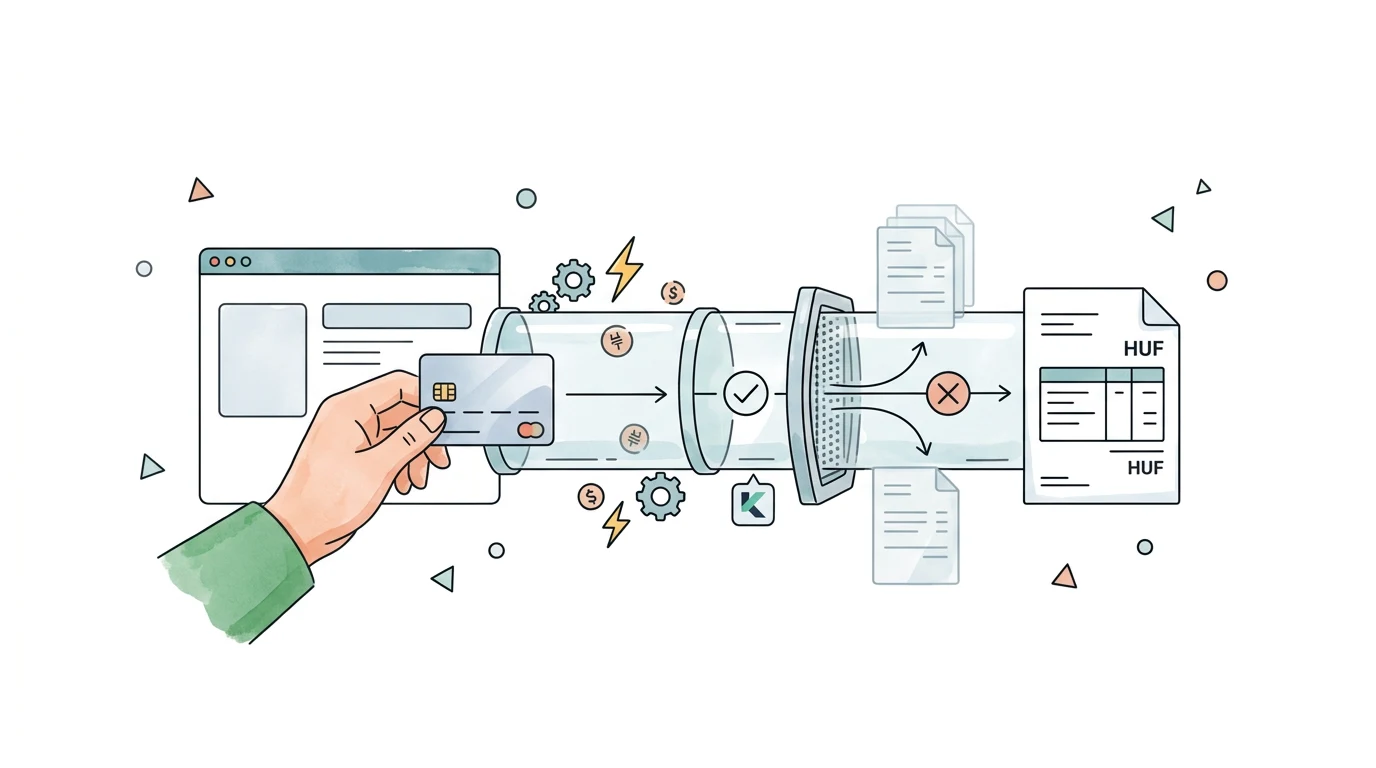
The connection should match each Stripe payment to its corresponding InvoiceXpress document. Before enabling automatic invoicing, choose the right trigger, map customer details and decide how repeated notifications will be handled.
What should I prepare?
Identify the Stripe and InvoiceXpress accounts and your sales model: one-off payments, subscriptions or booking deposits. Prepare an anonymised example showing products, discounts, currency and billing details. Include any plugin already issuing documents for these sales, because independent automations can invoice the same transaction.
Why might a payment notification arrive twice?
Stripe documents that webhook events can be delivered more than once. The integration should check previously processed identifiers before creating another document. It also needs to recognise different events concerning the same sale. Stripe webhook documentation.
What should be tested before launch?
Test a successful payment, a failed attempt, a repeated notification and a partial refund. Check the customer, line items and document total. Then simulate a communication failure: recovery should search for the existing document before attempting another creation.
How do I request the Kapta integration?
Explain how you sell and what should happen in InvoiceXpress. Specify whether documents should be prepared for review or issued automatically under approved rules. Kapta can assess the events and account access needed for that workflow.
