Kapta · 15/09/2026
The connection should identify a FareHarbor booking and prepare its corresponding Fattura24 document using validated company and customer details. The first objective is to track one operation from beginning to end.
What needs activating in Fattura24?
The official manual describes API activation in the external applications and services area and key generation. Confirm account access and usage conditions before configuration. Fattura24 API activation.
How should I choose a test booking?
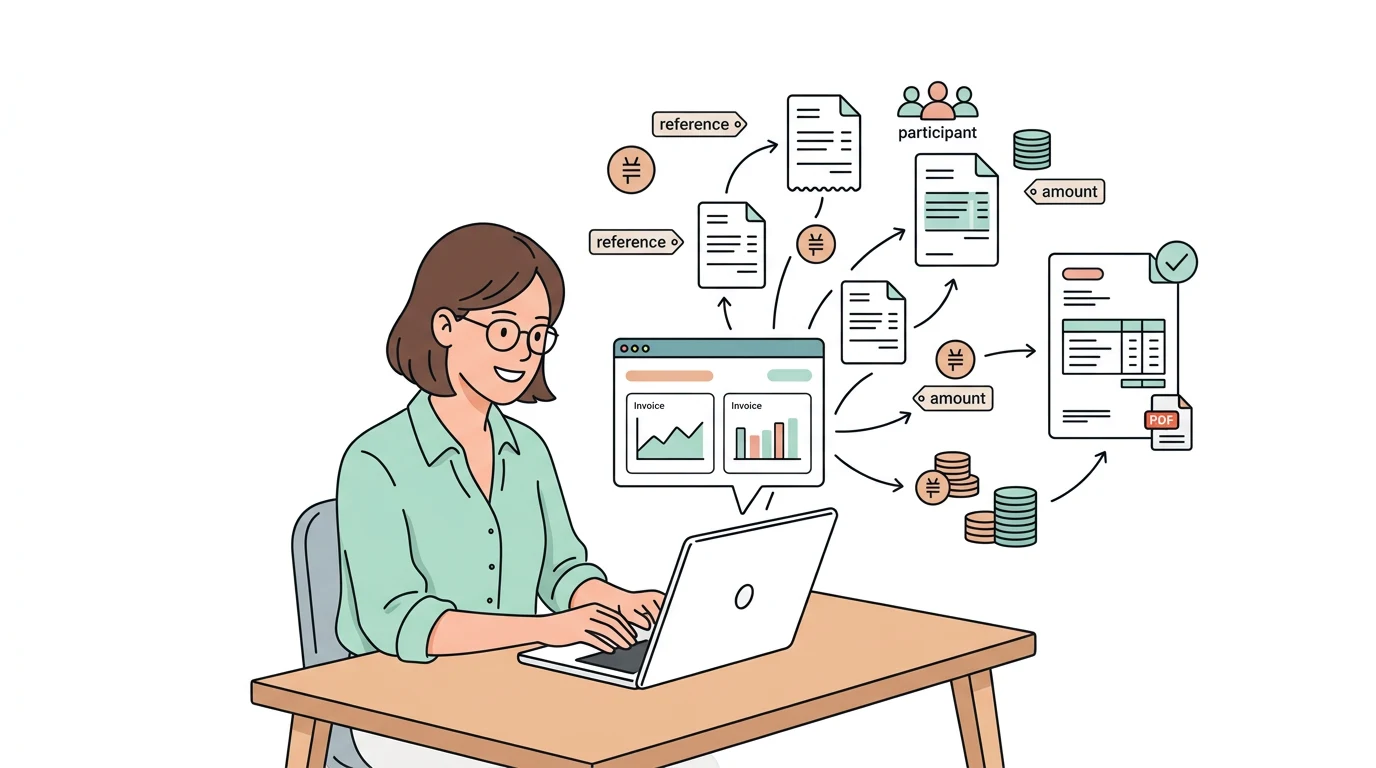
Use a simple booking containing the required billing details. Check activity, participants, amount and reference. Then add an amended or cancelled booking to verify its relationship with the existing document.
Can the document be retrieved after creation?
Fattura24 documentation includes PDF retrieval among its API capabilities. Define who receives the file, where its reference is stored and how the outcome is checked before retrying. Fattura24 API capabilities.
What should I send Kapta?
The FareHarbor shortname, Fattura24 company and expected workflow. Specify whether the project only prepares documents or includes later stages. Invoicing rules for the Italian operation should be validated with your local adviser.
