Kapta · 15/09/2026
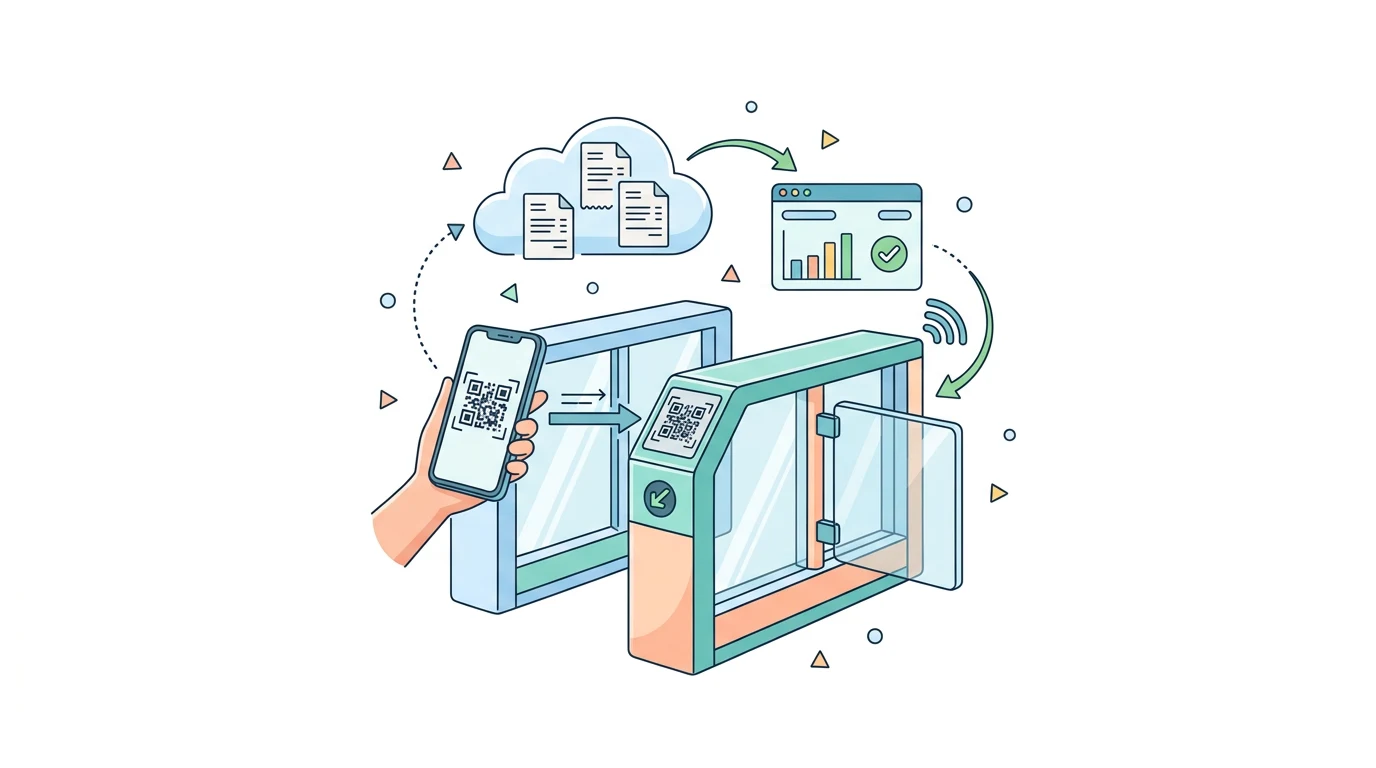
Kapta develops integrations that use FareHarbor QR codes for entrance control. The project starts by confirming how the reader delivers the code, how admission entitlement is checked and how the access system receives permission to open.
Does the QR reader open the gate by itself?
Scanning supplies a code; the decision depends on ticket rules. The code must be linked to a booking or admission entitlement, checked for validity and used to send an authorisation through a supported equipment interface. Reading any QR code should not automatically permit entry.
What does Kapta need to assess the installation?
Share the reader model, gate controller, access software and supplier's technical contact. Include a test ticket, the number of entrances and usage rules. A photograph of the equipment label can help when the model is unknown.
Will I need to change how I sell through FareHarbor?
The project can aim to retain the booking process and add an admission workflow. The assessment should confirm which QR codes are issued, what they represent and which data access permissions are available. Having an API does not, on its own, confirm every permission needed for the project.
How do we demonstrate that the connection is ready?
Test a valid ticket, a cancelled ticket, an unknown code and a second scan of the same ticket. Check the decision, the command sent and the passage confirmation separately, where the equipment provides it. Ask Kapta for a demonstration using your entry workflow and agreed acceptance criteria.
