Kapta · 15/09/2026
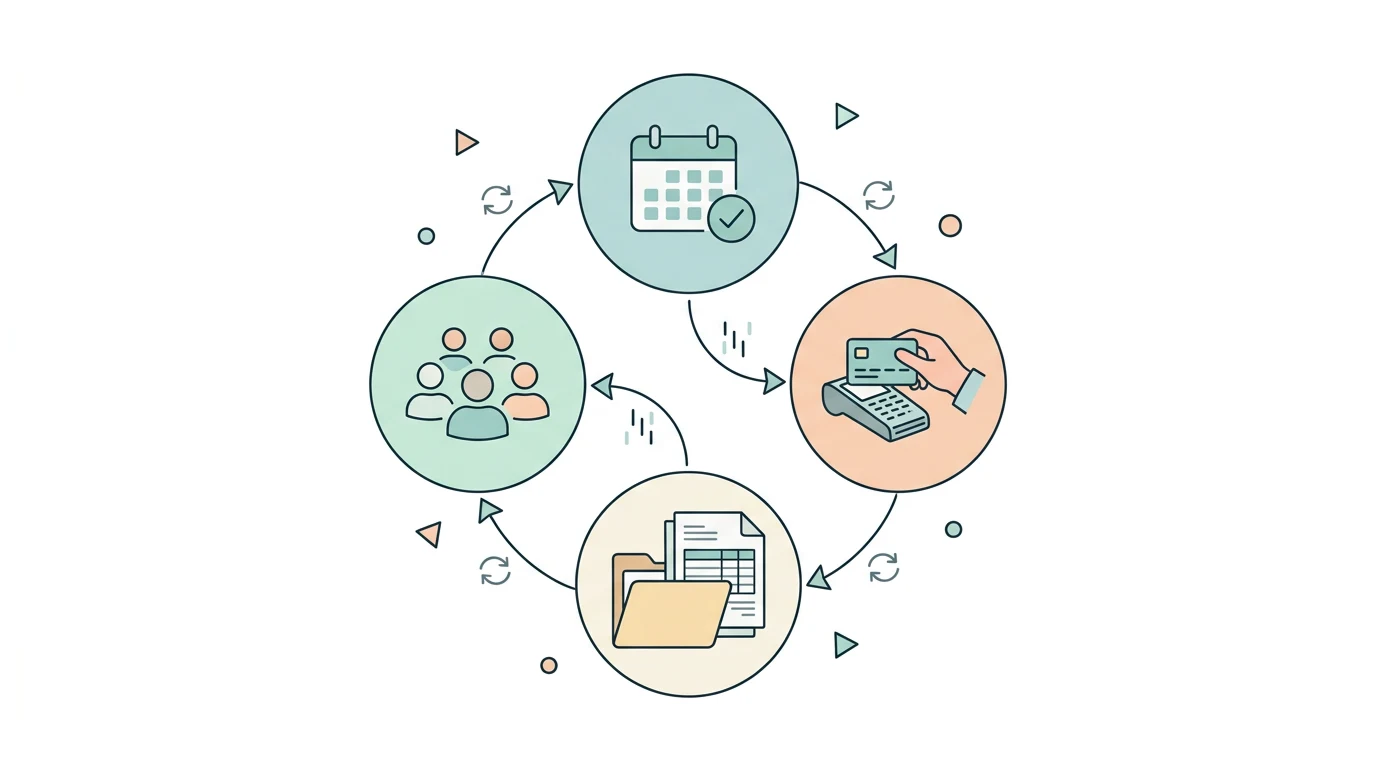
Map the data journey first. The website presents the offer, one platform may manage availability, another receives payment and invoicing software prepares documents. Every stage needs a clear owner.
Where should I start?
Choose a representative sale and describe the journey from first click to final document. Identify where the customer name, billing details and service reference are collected. Mark tasks repeated manually by your team.
Is a booking button a complete integration?
A button can send visitors to another platform, but it does not imply that customers, payments and documents are synchronised. Ask the proposal to distinguish navigation, embedded components and automatic data exchange.
How should the connected systems be chosen?
Start with your existing systems and available access. Kapta's integration catalog provides a starting point. Two listed products do not automatically support every possible workflow between them.
Which questions help prevent problems?
Which system owns booking status? Who confirms payment? Who determines the document? How is a failed operation found? What happens when a booking changes? Answer these during design before enabling automation.
How should the project be tested?
Use a completed sale, failed attempt and later amendment. Check the same reference across systems and reconcile totals. Send Kapta your website, involved platforms and an example of the desired workflow.
