Kapta · 11/11/2026
Rioko is Kapta's automatic invoicing solution: it connects Shopify, Stripe, Lodgify, Easypay and EuPago to InvoiceXpress, Moloni, Vendus or TOConline. Every payment produces its own invoice without manual work, which matters to anyone still issuing invoices by hand from orders, bookings or online payments.
Which businesses is Rioko for?
Rioko suits online shops on Shopify, businesses with subscriptions or card payments on Stripe, short-term rentals on Lodgify and anyone collecting by Multibanco or MB WAY through Easypay or EuPago. In every case, the invoice is issued in the invoicing program the business already uses, in the series already reported to the Portuguese Tax Authority (AT).
How is the invoice for each payment created?
When a payment is confirmed, the platform notifies Rioko and the invoice is created straight away; on Lodgify, bookings are read every 30 minutes. There are no checkout extensions. Rioko detects and validates the customer's tax number (NIF), calculates VAT and applies the exemption reason when there is one; depending on the program, the invoice is finalised or kept as a draft for review.
Does Rioko replace the certified invoicing program?
No. Rioko is not AT-certified software and does not issue documents itself: it sends the data to the business's invoicing program, which issues the invoice with its series and ATCUD. The accounting stays in the same program, and the accountant finds the invoices where they always have.
What happens with refunds, repeated notifications or failures?
Rioko links each payment to its own invoice, so a repeated notification does not create a second invoice. On refunds, Rioko issues the credit note when the platform and the program allow it. If an invoice fails, the business receives an alert; the periodic check for payments left without an invoice is an aid, not a guarantee.
How much does Rioko cost?
Rioko charges a monthly or yearly subscription for each connection between a platform and an invoicing program, with no fee per invoice issued and no volume limit. Current prices are on the Rioko pricing page.
What should I prepare before connecting Rioko?
To connect Rioko, the business needs access to the payment platform account and to the invoicing program account, the program's connection to the AT switched on and the invoice series reported. The Rioko guides explain each step per program. Before starting, confirm with your accountant which VAT rates and exemption reasons apply.
Does Rioko have a mobile app?
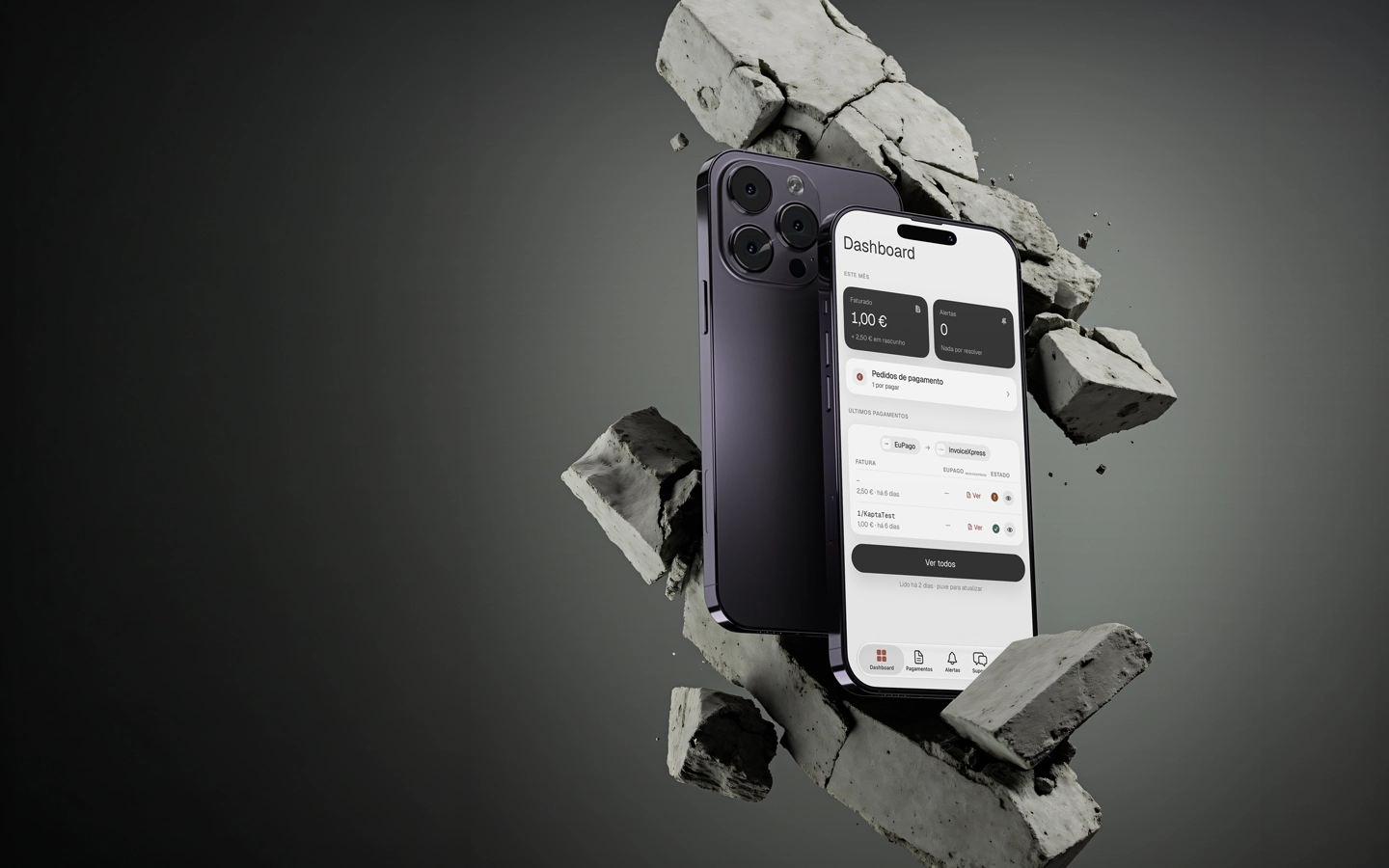
Yes. The Rioko app for iOS and Android shows issued invoices, their PDFs and the month's totals, and alerts you when an invoice fails. It is available to Rioko customers on the App Store and on Google Play. The account and the connections are set up at rioko.online.
