Kapta · 15/09/2026
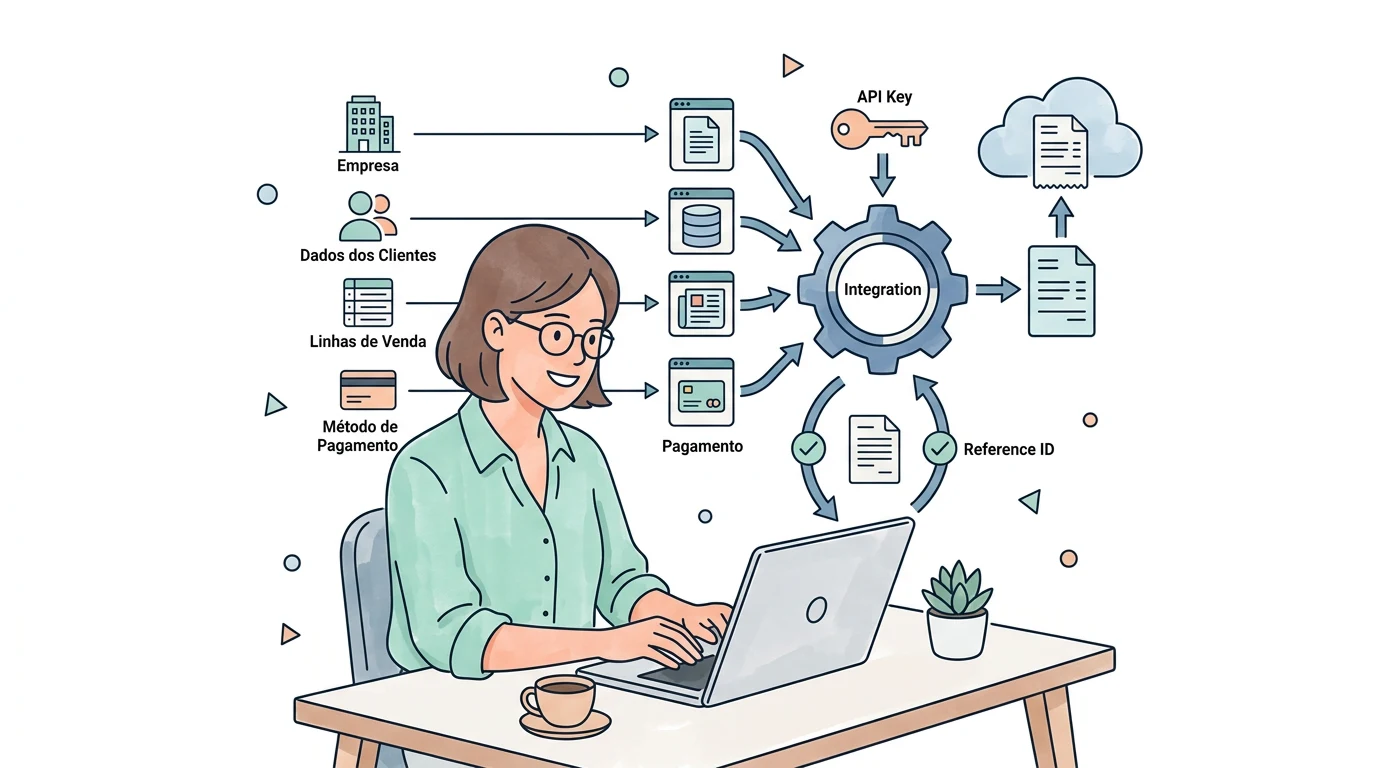
Prepare the issuing company, customer details and line items for each sale. The connection needs enough information to create the right document and return a reference that lets you find it later.
Is an API key enough to start?
The key enables technical access but does not define operational rules. InvoiceXpress describes its API as a way to connect invoicing with other tools. Beyond access, you need customer, product and document mapping. InvoiceXpress API integration.
What sample sale should I prepare?
Include fictional billing details, two service lines, a discount and payment method. Identify amounts already calculated by the source. Compare the generated document with the business's expected result, including rounding.
How do I know the document was created?
The workflow should save the identifier returned by InvoiceXpress and link it to the original sale. After an interruption, search for that record before repeating creation. A sent request is not the same as a completed operation.
What should be agreed with Kapta?
The source system, document types, issue trigger and exception handling. Also agree whether customer delivery is included and how documents awaiting review can be found.
