Kapta · 15/09/2026
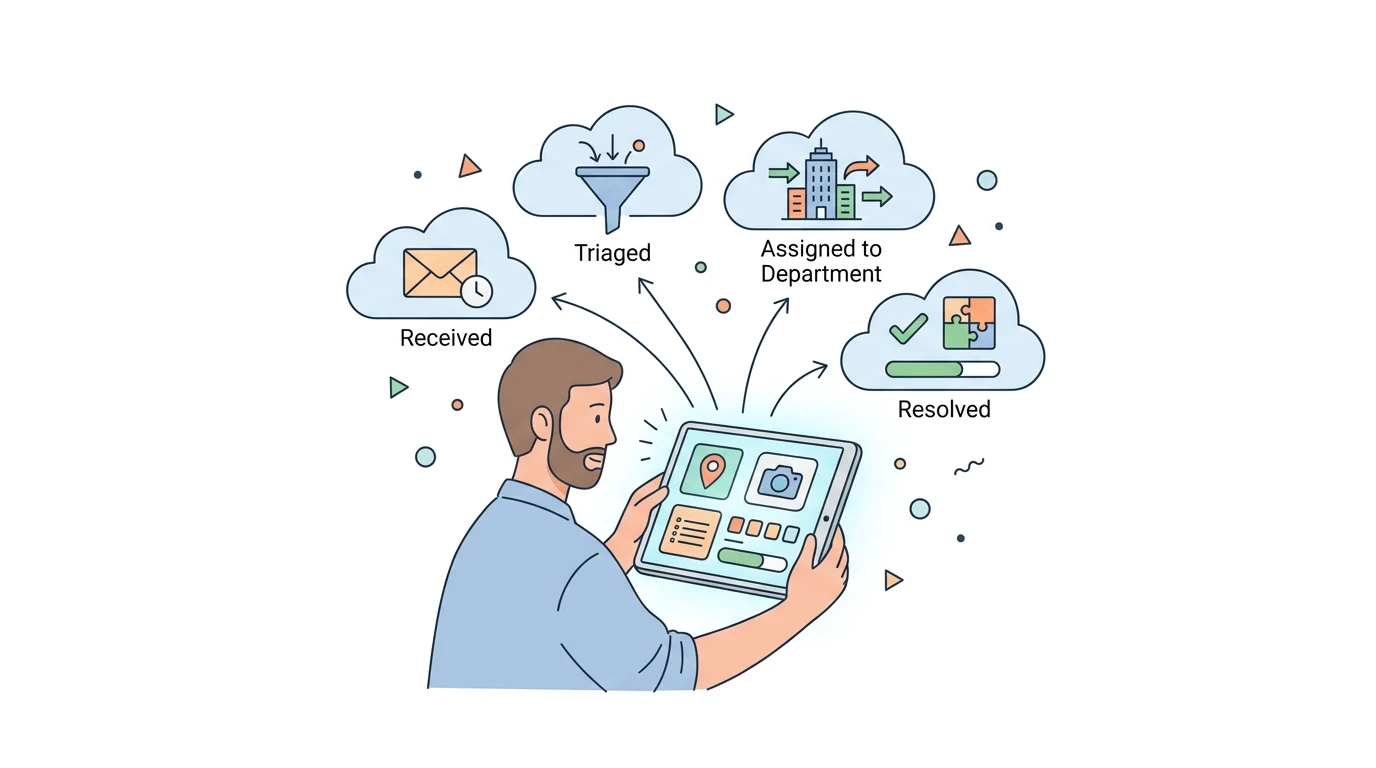
Start by defining accepted issues, who handles each request and what residents receive after submitting it. The form is the entrance to a process that needs triage, routing and a response.
What should the form cover?
Identify examples of non-urgent requests and the team responsible for each category. Explain the scope before submission. A municipal form should not make someone expect an emergency response; for emergencies, gov.pt lists 112.
Are photographs and location always necessary?
Request only information useful for the chosen category. People should understand why each item is requested and be able to correct a location. Define attachment handling and internal access, avoiding public exposure of information submitted to resolve a request.
Which statuses should residents be able to see?
Use states matching actual work, such as received, under review, forwarded and completed. Explain what completed means and give a reason when resolution is not possible. Identify an automatic acknowledgement as such.
How can the municipal team validate the solution?
Follow a test request from the phone to the responsible service and final response. Test attachments, duplicates, category changes and an absent owner. Kapta can assess this workflow for a new app; features must be agreed for the specific project.
Next step
Explore Kapta institutional services (Portuguese) and describe your project.
